Just an idea, Rhia - but I think you might consider softening/desaturating slightly your facial features - to give them a greater sense of being somehow 'worn' and 'on' and 'part' of your wooden models - it feels like there shouldn't be any 'solid black' here perhaps, but rather something more in common with the colour you've got on the joints of your model? Personally, I'd be colour picking from your model for the eyes and the grey and the black just to make it all fit together.
After presenting my ideas for my animation I was given the idea of making the characters of the Sun and Moon look like paper lanterns. This idea would fit in with giving the story a sense of history and culture along with helping me to think about the overall designs of the characters.
For the start of our Script To Screen project we picked at random three different elements that have to feature in our animation, these different elements were a character, location and a prop. For my animation I have to included: Character - Light House Keeper Location - Cemetery Prop - Food Blender
Walk Cycle test from Rhia Crouch on Vimeo . Been trying to work on Moom's walk for a skit but I'm not sure what else to do before I put him in to the screen so I can work out him swimming and coming out of the water. He is meant to walk as if he is weigh down by the goo and also wobbels a little bit. I know the eyes are off and there seems to be a phantom animation going on with his right hand that I can't work out.
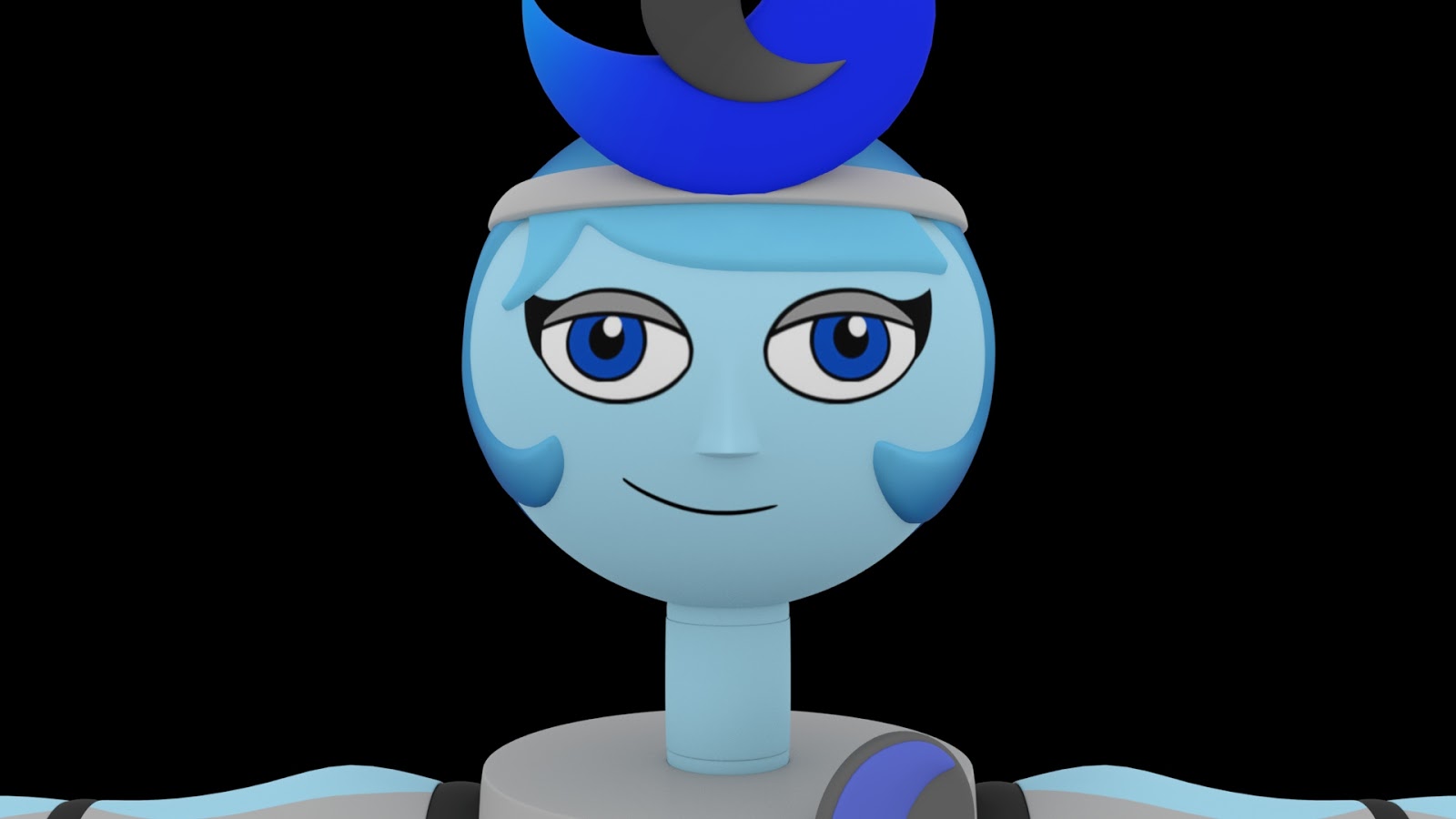

Just an idea, Rhia - but I think you might consider softening/desaturating slightly your facial features - to give them a greater sense of being somehow 'worn' and 'on' and 'part' of your wooden models - it feels like there shouldn't be any 'solid black' here perhaps, but rather something more in common with the colour you've got on the joints of your model? Personally, I'd be colour picking from your model for the eyes and the grey and the black just to make it all fit together.
ReplyDelete